Music Trainer lets you work with entire songs or phrase within songs. Play, stop, ooping, slow down, speed up, "count in", ... work exactly the. The only difference is where the play back will begin and end.
A bug in Apple's OS 3.0 operating system makes it hard to press the blue and white buttons on the Song Selection and Song Detail screens. As a work around try pressing a little to the left of the blue and white buttons
I am actively working on a update that addresses this bug. You will get this updates automatically for free as soon as they become available. Please let me know if you run into any other problems so I can fix them for you.
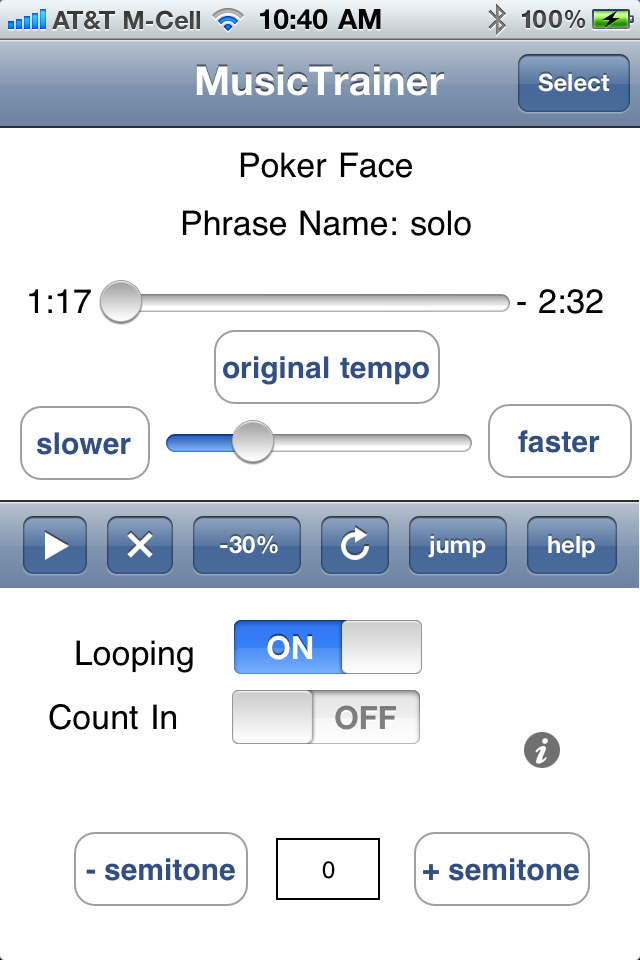
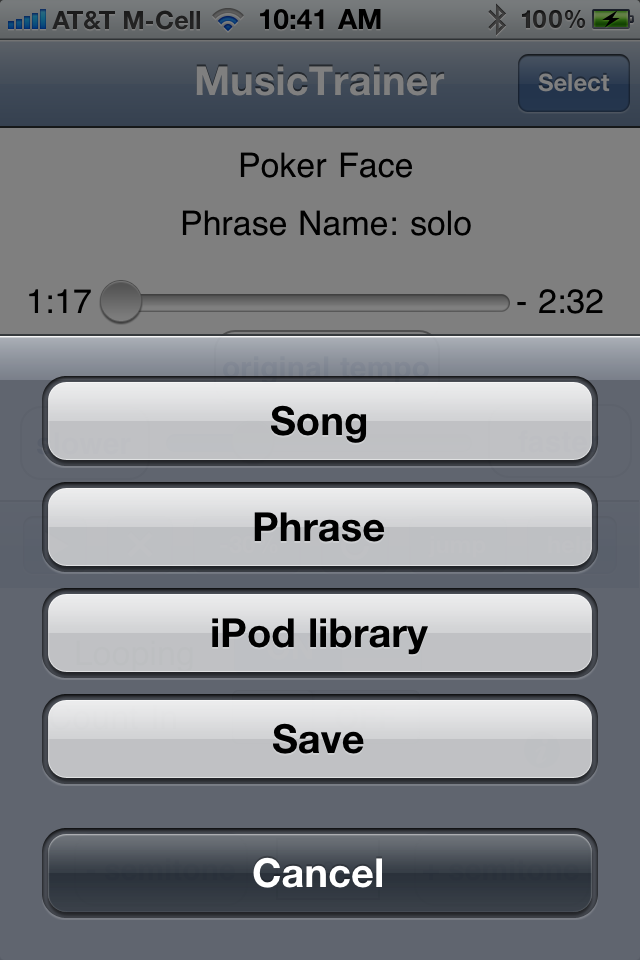
Here we see the main Music Trainer screen. The title bar shows that we are currently working with the song "BluesInE". To change the currently selected song to "03 Sen-Say-Shun". We first click on the "select" button on the top right hand side of the screen. This will take us to the "song selection" screen.
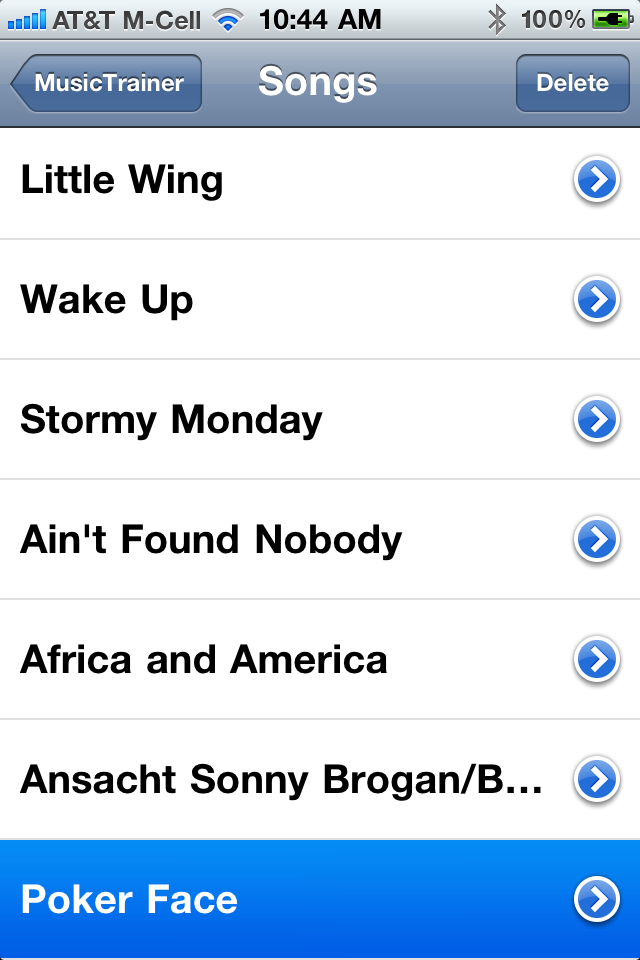
Here we see the Song selection screen.
Tap on the row "03 Sen-Say-Shun"
This will take us back to the main screen. Notice the title bar now shows "03 Sen-Say-Shun".
Selecting a phrase to work with is very similar to the process we used to select a song. We start main Music Trainer screen. The title bar shows that we are currently working with the song "BluesInE". Lets say we want to work with the phrase "2nd verse" we defined on the song "03 Sen-Say-Shun" We first click on the "select" button on the top right hand side of the screen. This will take us to the "song selection" screen.
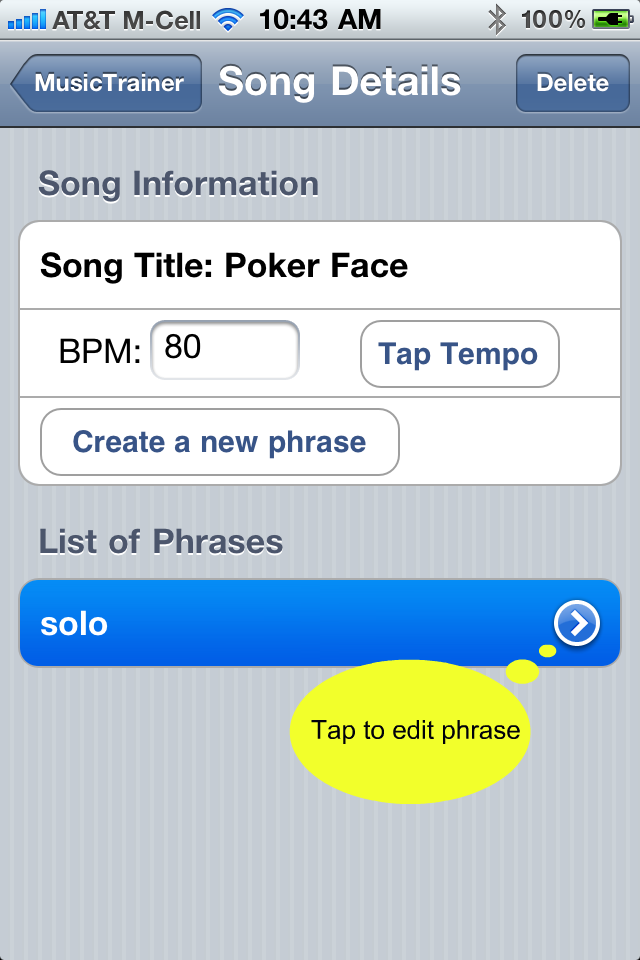
Here we see the Song selection screen. To select a phrase we need to go to the "song detail" screen for "03 Sen-Say-Shun". We do this by tapping the detail button on the right hand side of the row labeled "03 Sen-Say-Shun". If you are having trouble getting to the "song detail" screen try pressing a little to the left of center on the detail button
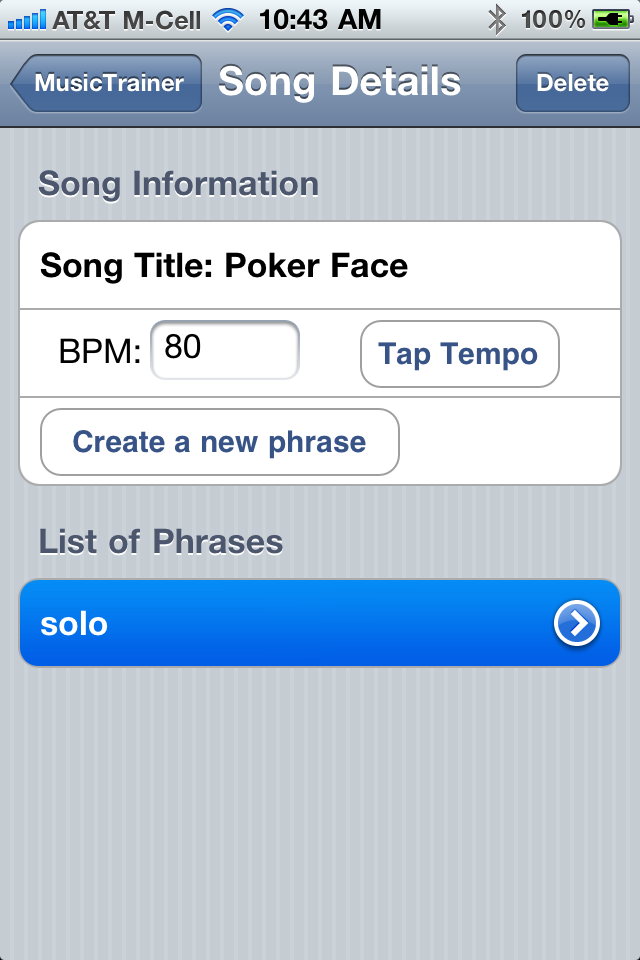
Here we see the Song Detail screen for "03 Sen-Say-Shun". Tap on the row "2nd verse". This will take us back to our main Music Trainer screen.
Here we see the main Music Trainer Screen. Notice the title bar and phrase name field tell us we are working with the phrase named "2nd verse" defined on the song "03-Sen-Say-Shun"