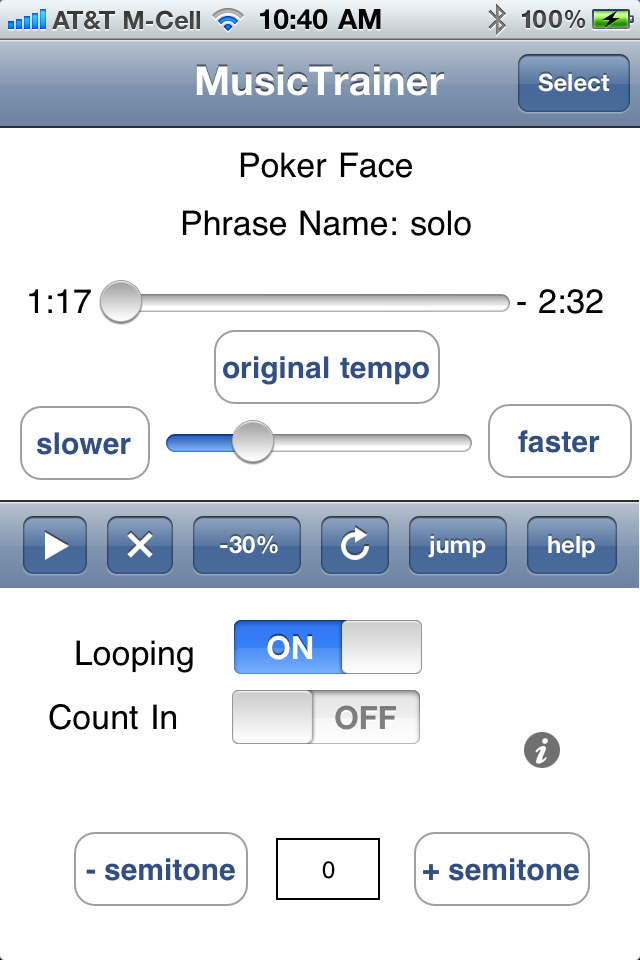
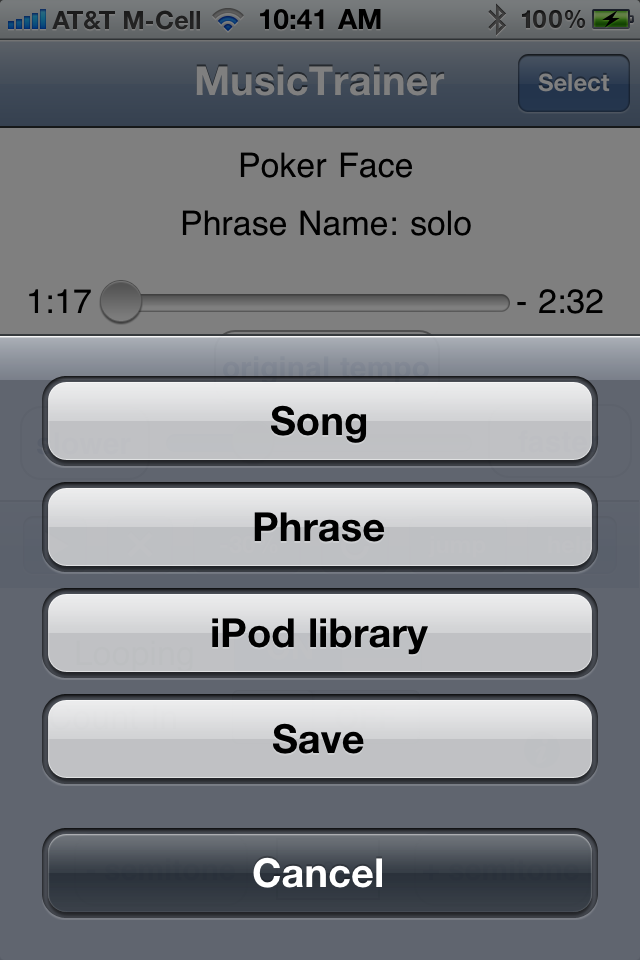
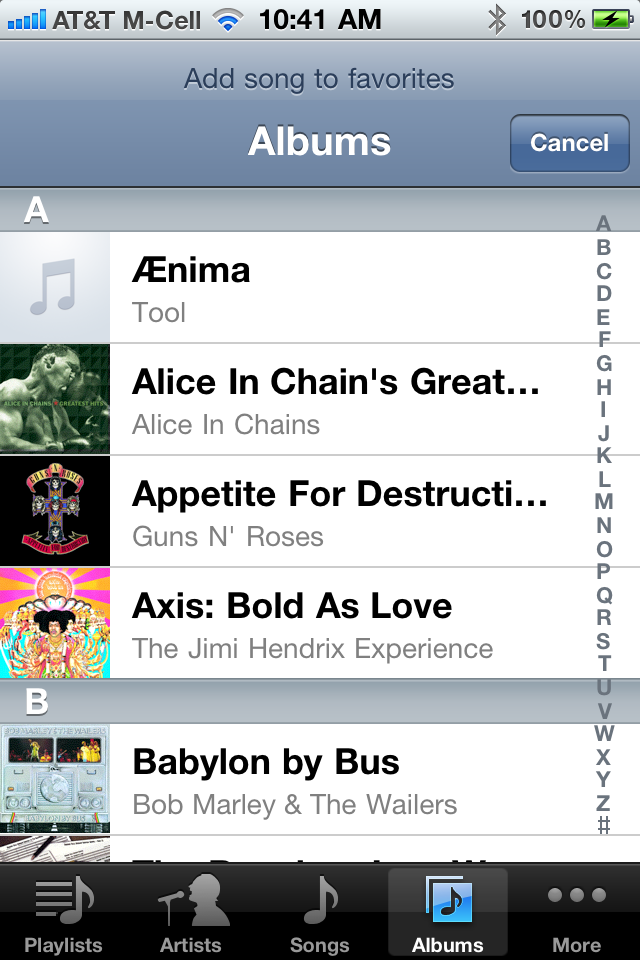
The import feature allows you to add songs to the Music Trainer application. Apple does not allow applications written by third parties (Santa Cruz Integration) to access songs already loaded into the iPod application on your iPhone or iPod touch. Apple does not allow third party applications to use iTunes and or the USB cable to transfer file. The Music Trainer import functionality gets around these limitations.
There is a lot of confusion about iPod access in OS 3.0. I actually spoke with the Apple engineers at Apple's June 2009 developer conference about this. In OS 3.0 Apple provides an "iPod" player that applications like a game can use to allow users to play background music of their choice from within the game. Apple does not provide a way for the game to access the actual audio samples. For Music trainer to work, I need to manipulate the sample directly.
Notice, on the top of the above screen snap shot you will see a little bar showing
If you do not see the WiFi icon, it means you are not connected to a WiFi network. You must have a WiFi connection for import to work. Use the "Setting " application to make sure you do not have WiFi turned off. Also check to make sure you are not in airplane mode. See the Trouble Shooting section for more help
Most people will probably want to import song from iTunes. On the computer you have iTunes installed on, start a web browser, (IE, Firefox, Safari, ...) and enter the URL displayed on your import screen into the browsers address bar. In the example screen snap shot show above, the URL you would enter is "http://192.168.15.106:49205" Your URL will probably be different
| name | size | date modified |
|---|---|---|
| BluesInE.WAV | 2460.0 Kb | 2/22/09 2:20 PM |
| FunkyBluesRiff.WAV | 270.5 Kb | 2/22/09 2:20 PM |
| ZZ Top - La Grange.mp3 | 3652.1 Kb | 2/22/09 2:23 PM |
| phrase.database | 5.0 Kb | 2/24/09 8:13 AM |
Music Trainer 1.2 supports slow down or speed up without pitch change for the following audio file types 'wav', 'mp3', and 'm4a'. files. If you are having trouble playing a song try turning 'Smoothing' on or try converting the song to WAV format. It is easy to convert songs to WAV using iTunes.http://support.apple.com/kb/HT1550
If you have installed iTunes in the standard location, you can find your songs here
Use the upload / browse / submit form to select the song and upload it to Music Trainer.
To see a list of wireless networks that Windows has detected,
open 'Connect to a Network' by clicking the Start button Picture of the Start button
, and then clicking Connect to.
System Preferences -> Network -> Airport
you should see a screen like this
click on the advance button, then select the "TCP/IP" tab". You should see a window like this
scroll down to see the HTTP Proxy settings.
By default your device time out / screen lock is set to 1 min. This may cause problem during import. To change the time out