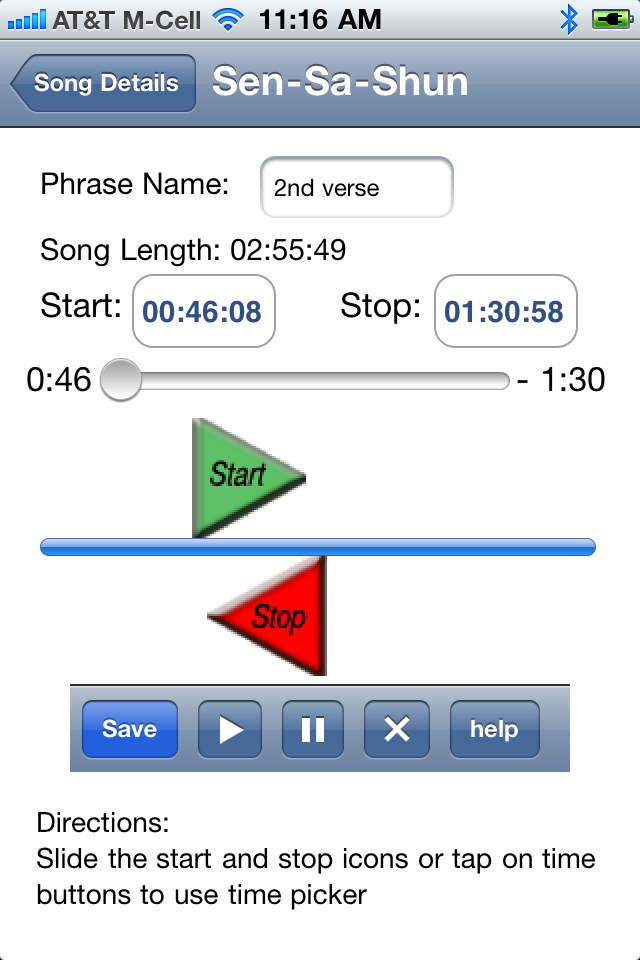
The Phrase editor screen lets you identify interesting parts of a song like a cool lick, solo, turn around, ... You can give each phrase a name and save them so that you can use them during your next practice session
The title bar displays the title of the song you working on. In example screen snap shot shown above, the song title is "Sen-Sa-Shun" (any Freddie King fans out there?)
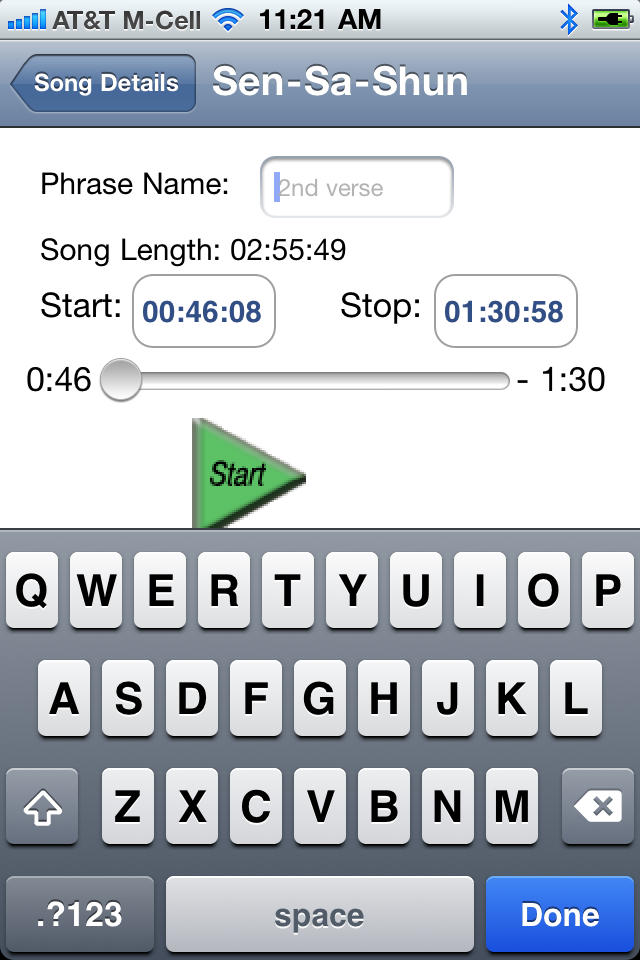
tapping inside the name phrase name field brings up a standard iPhone/iTouch keyboard. Use it to give your phrase a meaningfull name. Press the 'done' button to dismiss the keyboard.
you can set the end points by either moving the start and stop icons or by using the time picker
Slide the green start or red stop icons left and right to change the begin and end points. As you slide the icons you will notice the time displayed in the "Begin:" or the "End:" field will change. Time is displayed as "min:sec:1/100". All phrases must be at least one second long, with the beginning time before the end time. You will hear "pong" sound if you try to move the end points past the end of the scales or try to make the end time before the start time.
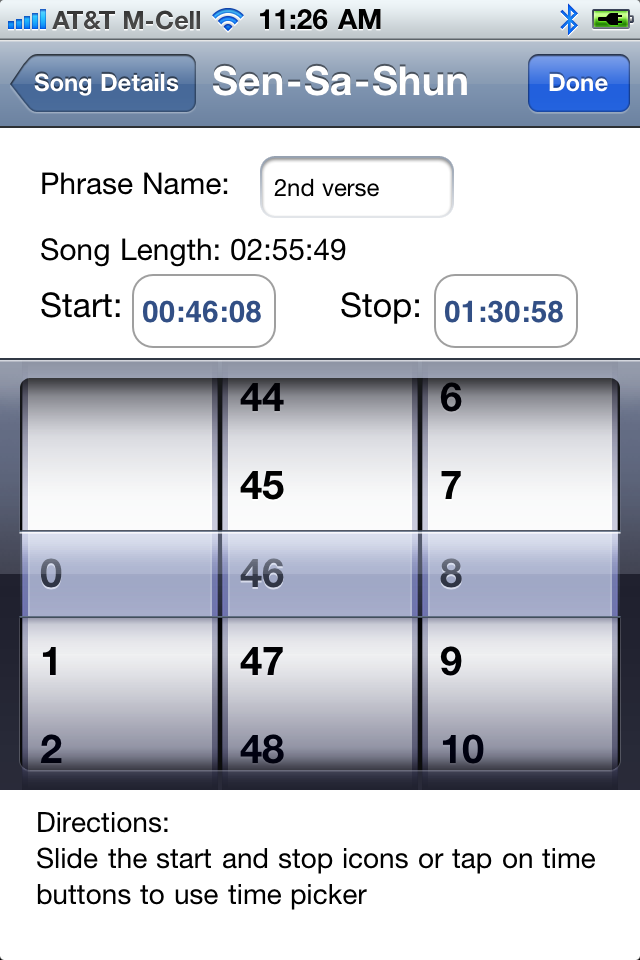
Tapping the time buttons will bring up a picker. In this example the start time button is labeled "00:46:08". The end time button is labeled "01:30:58". The picker makes it really easy to move the phrase end point exactly where you want it for super smooth looping
Use the test button to see if the end points are where you want them. If you are happy with your phrase press the save button. Use the stop button to end the play back.